Divider instrument
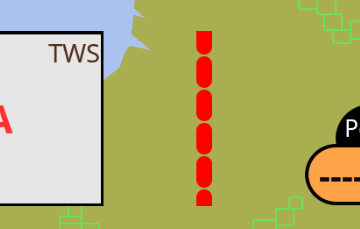
Dummy instrument displaying a divider line of configurable length, thickness, style and color. It does not display any Signal K data and is used purely to visually group the other instruments in the dashboard.
In the default automatic orientation mode the line is drawn perpendicular to the flow of the instruments in the dashboard: dashboards anchored to the top or bottom edge of the canvas lay their instruments out horizontally and get a vertical divider line, dashboards anchored to the left or right edge get a horizontal one. The orientation can also be forced manually.
| Parameter | Description | Example |
|---|---|---|
Name |
Name of the instrument |
Engine group divider |
Title |
Title of the instrument. Not displayed, may be left empty. |
|
Timeout |
Not used by this instrument as it displays no data, the value is irrelevant. |
3 |
Orientation |
Orientation of the divider line. |
Auto |
Length |
Length of the line in device independent pixels |
100 |
Line width |
Thickness of the line in device independent pixels |
2 |
Line style |
Style of the line: |
Solid |
Line color |
Color of the line |